Created
May 4, 2025
·
4
Steps
API-kulcs létrehozása az Affinectben
Generate secure API keys to connect Affinect with your external systems.
Affinect
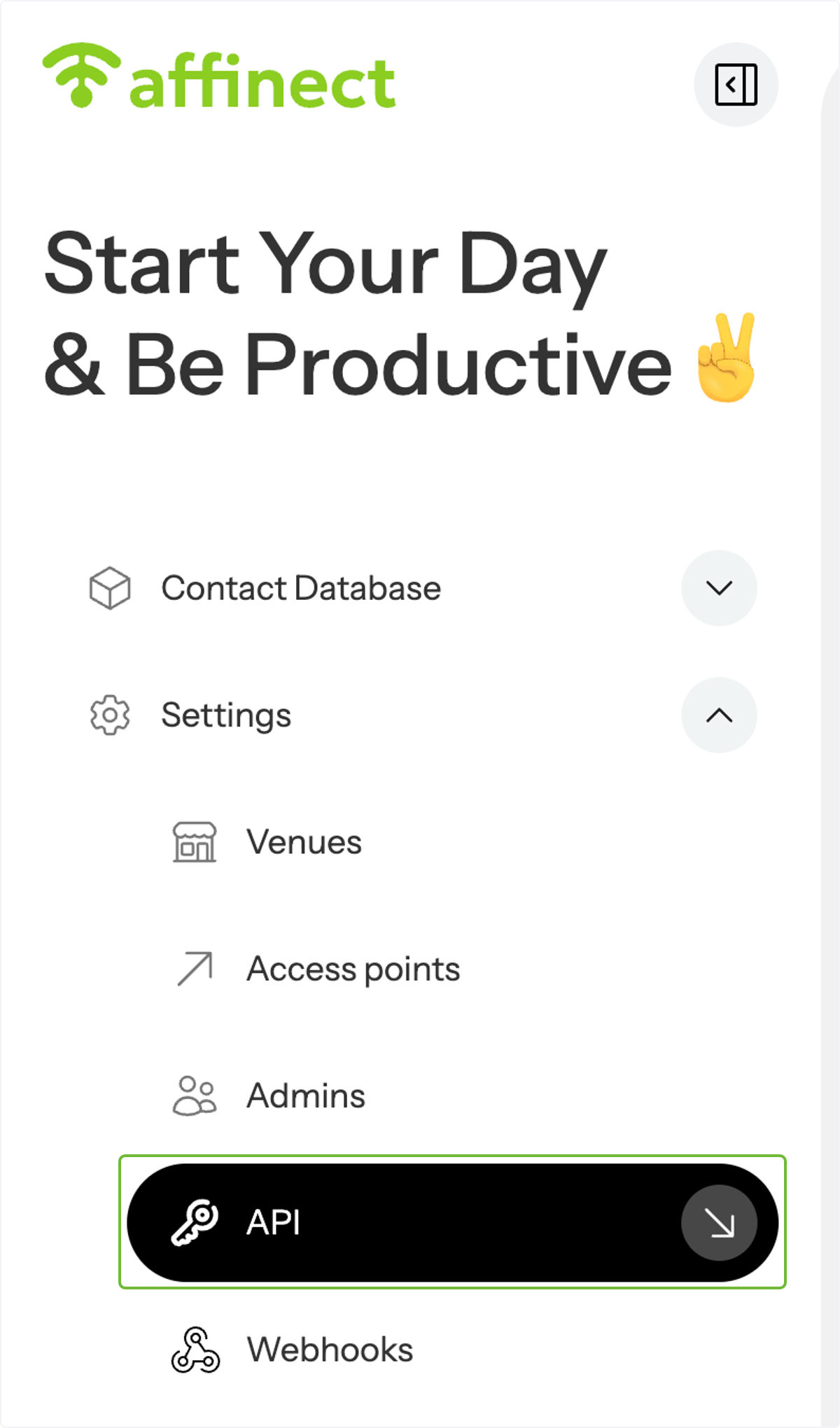
Click 'Settings' on the left-hand side of the dashboard and select API from the drop-down menu.
Check API documentation
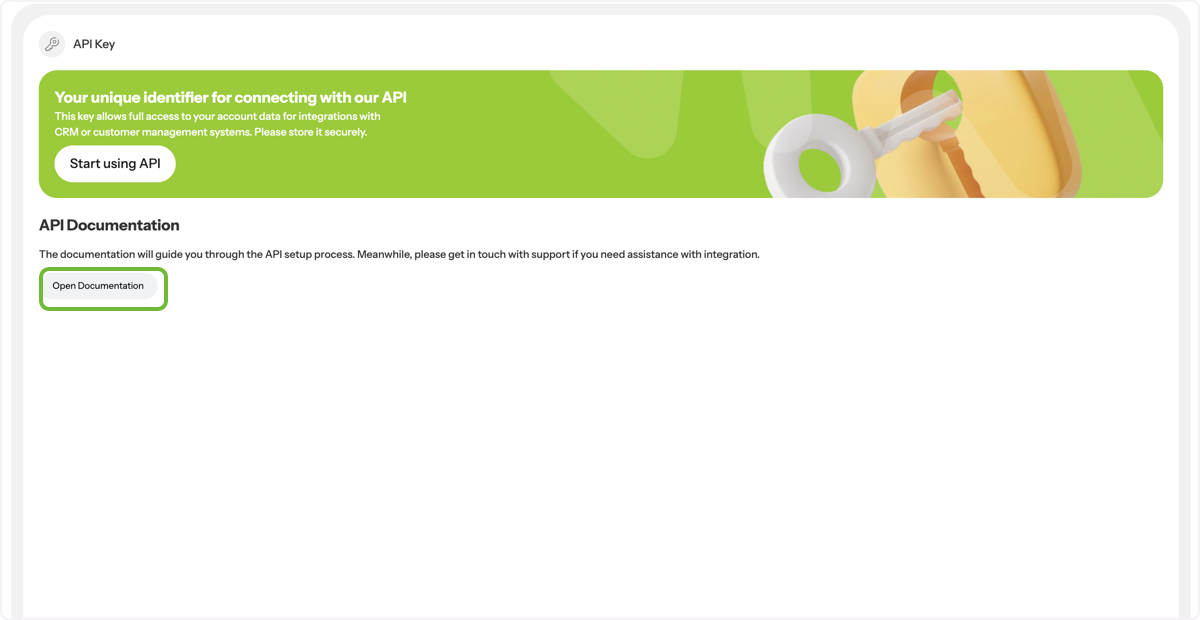
Click on 'Open Documentation' to access the guide for the API setup process. If you need assistance with integration, feel free to contact support.
Generate API key
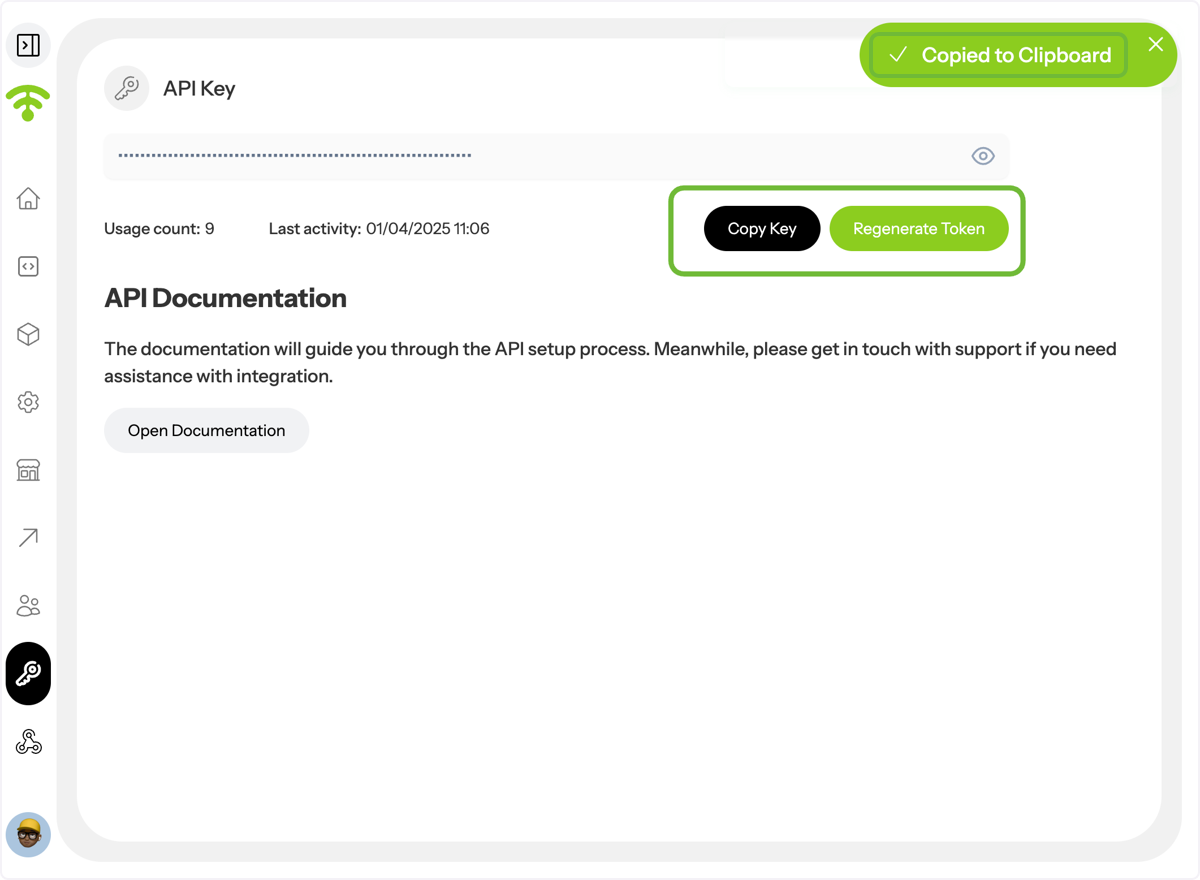
A preview of your API Key will appear. Click on "Generate Token" and then 'Copy Key' to copy the API Key to your clipboard. Alternatively, you can choose to regenerate the token.
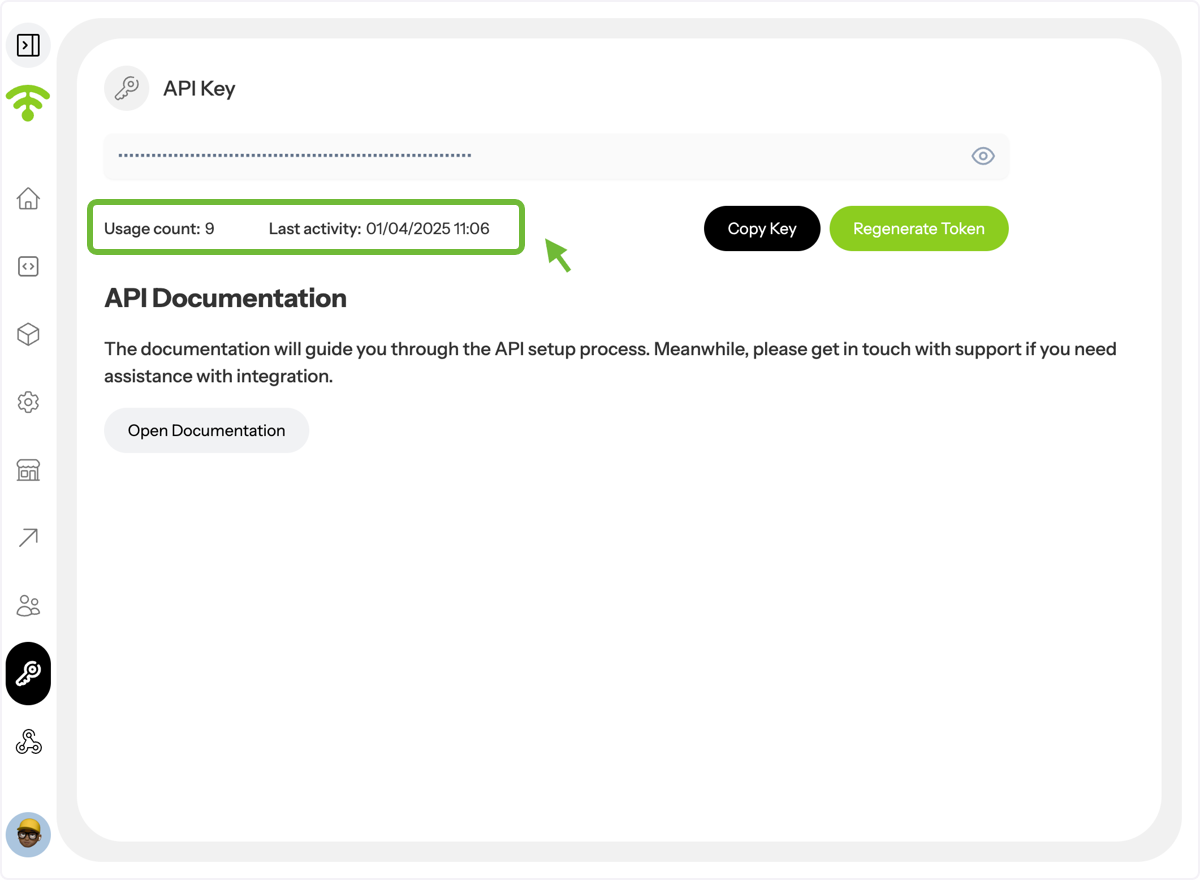
Now you can see the API in action with the last Activity recorded.
Tada! That's all. Happy Connecting!