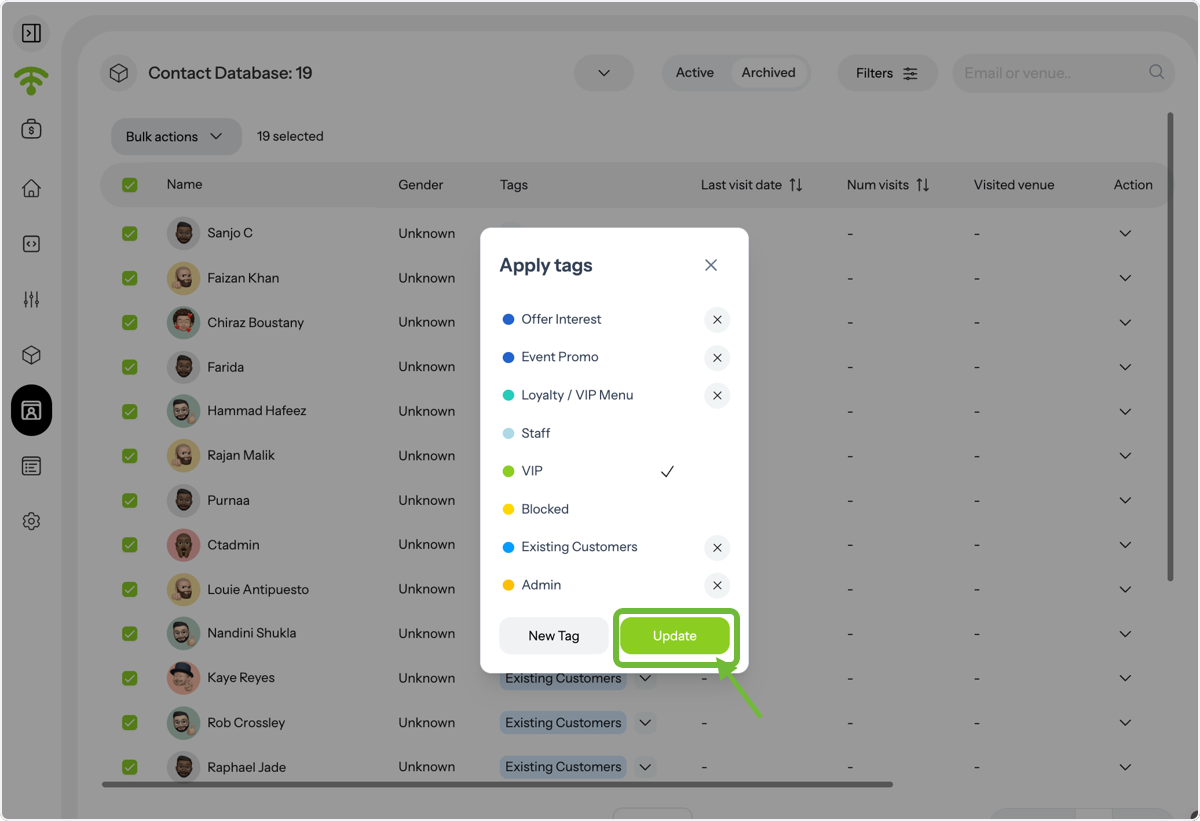
Bulk actions in the Affinect Contact Database help you manage large volumes of contacts efficiently. Whether you want to apply tags, remove tags, or organize your audience segments, this guide shows you how to take action on multiple contacts at once, saving time and streamlining your workflow.
Affinect
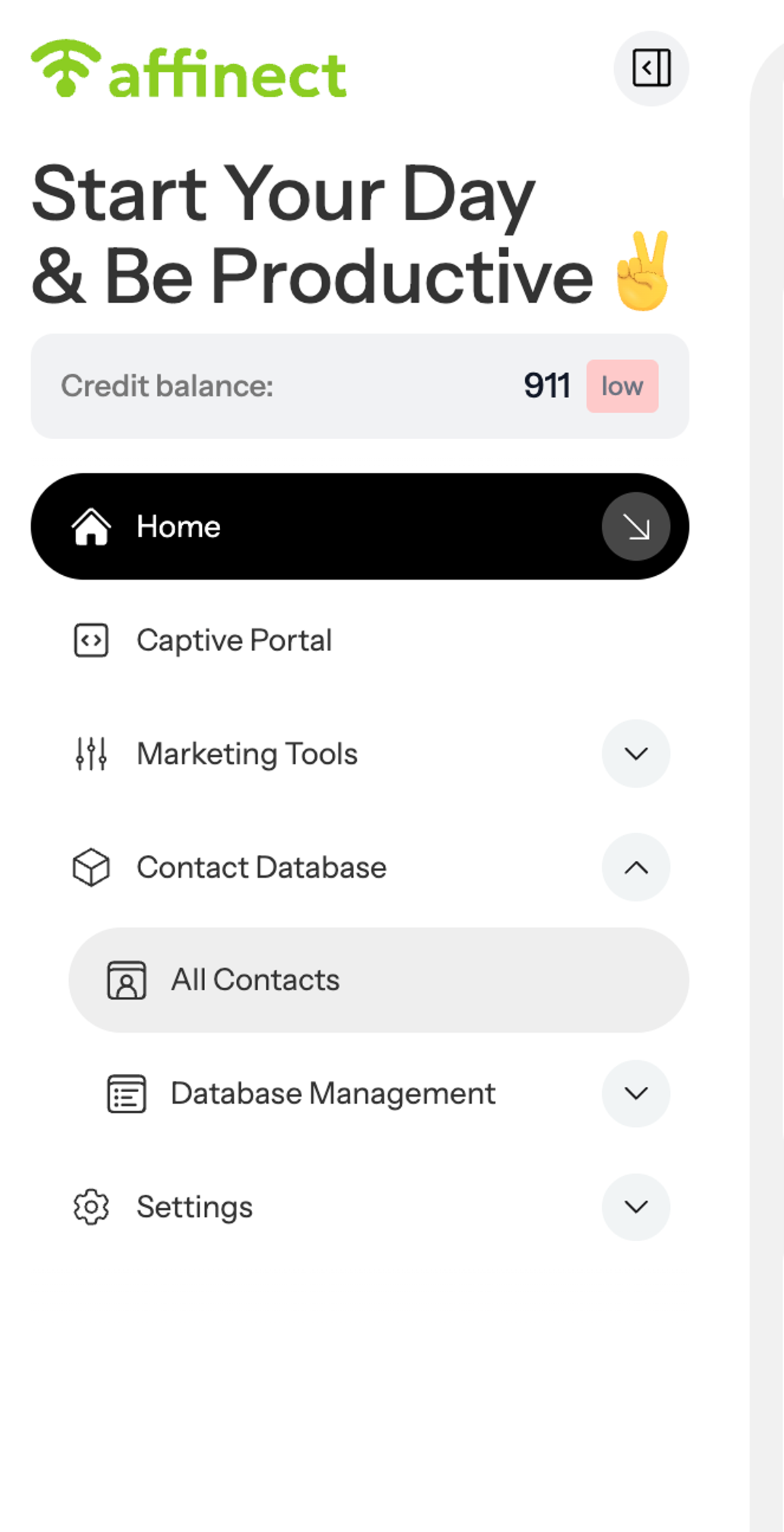
Go to the Contact Database and navigate to All Contacts to view your full contact list.
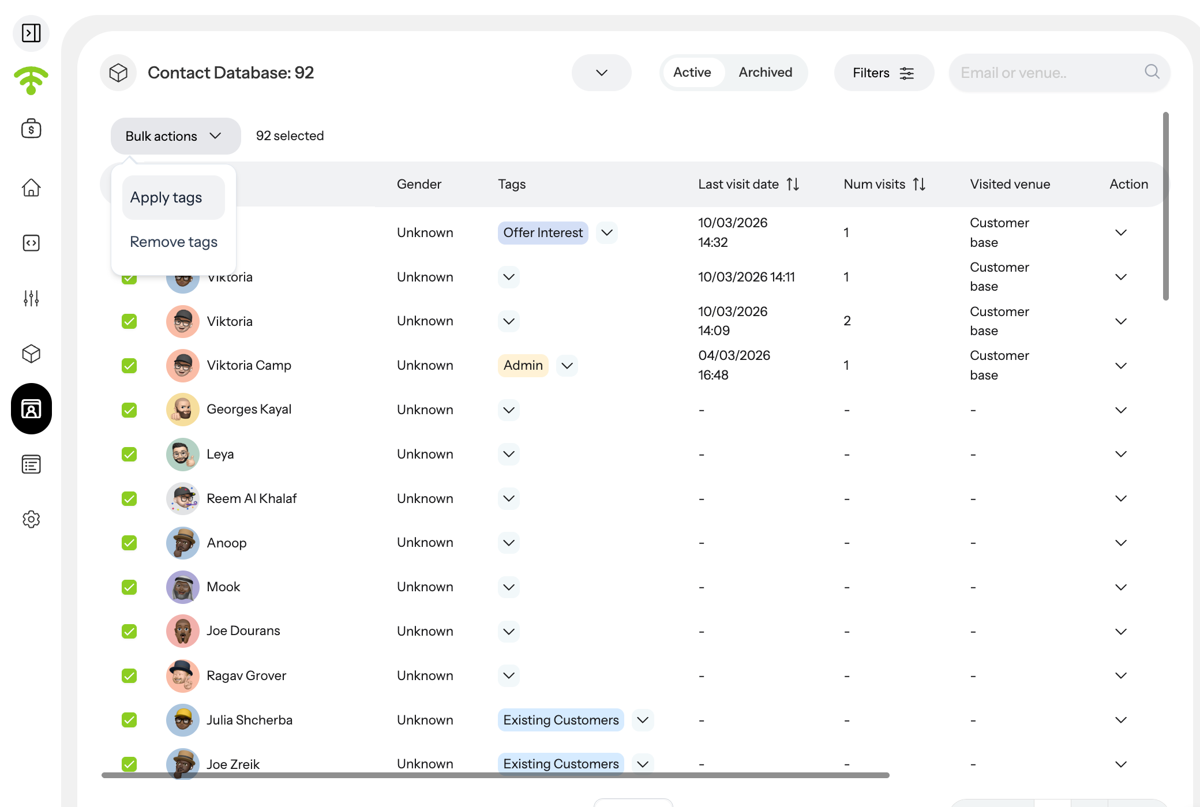
Click on Bulk Actions. From here, you can apply tags to multiple contacts or remove them in one go. Select Apply Tags to proceed.
A. Open Contact Database
B. Click on All Contacts
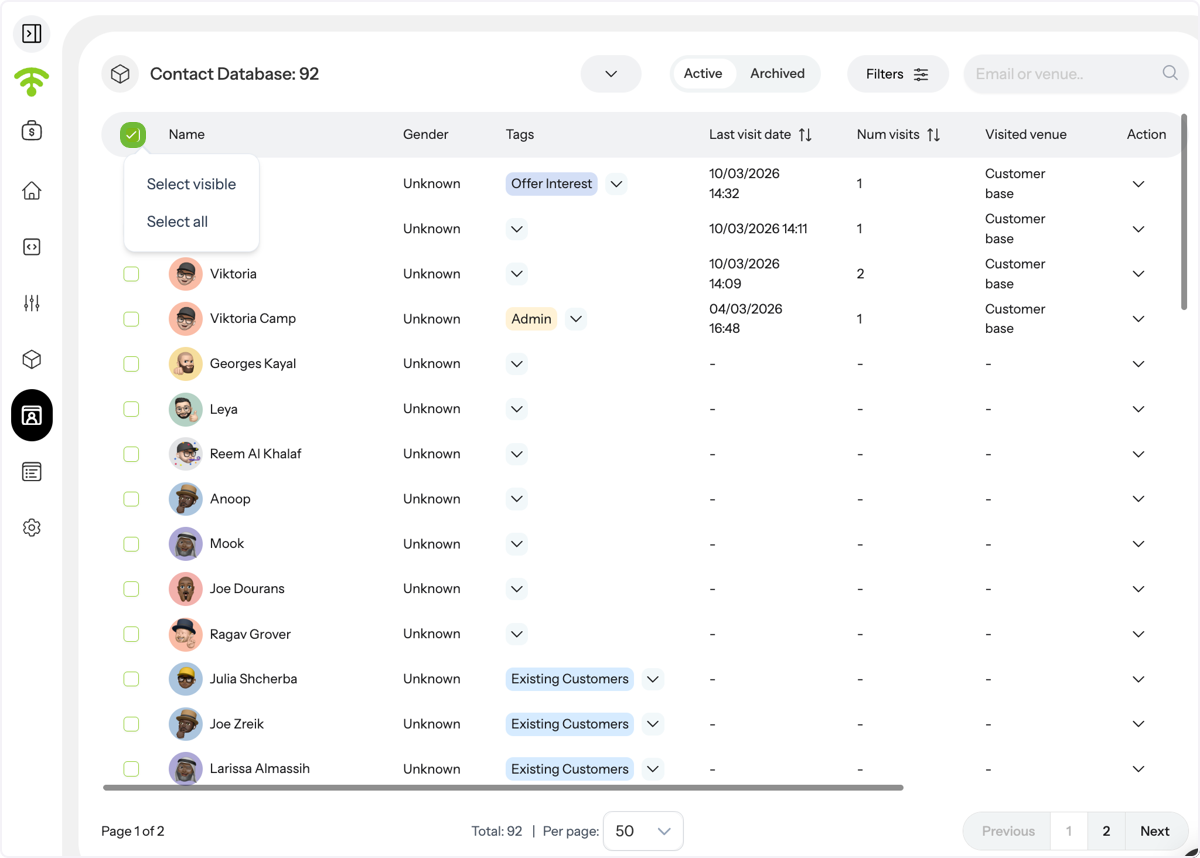
Select Contacts
Use the checkboxes to select contacts. You can choose individual contacts, select visible ones, or select all contacts at once.
A. Open Bulk Actions
B. Click on Apply or Remove tags
Choose or Create Tags
Select from existing tags or create a new one based on your segmentation needs.
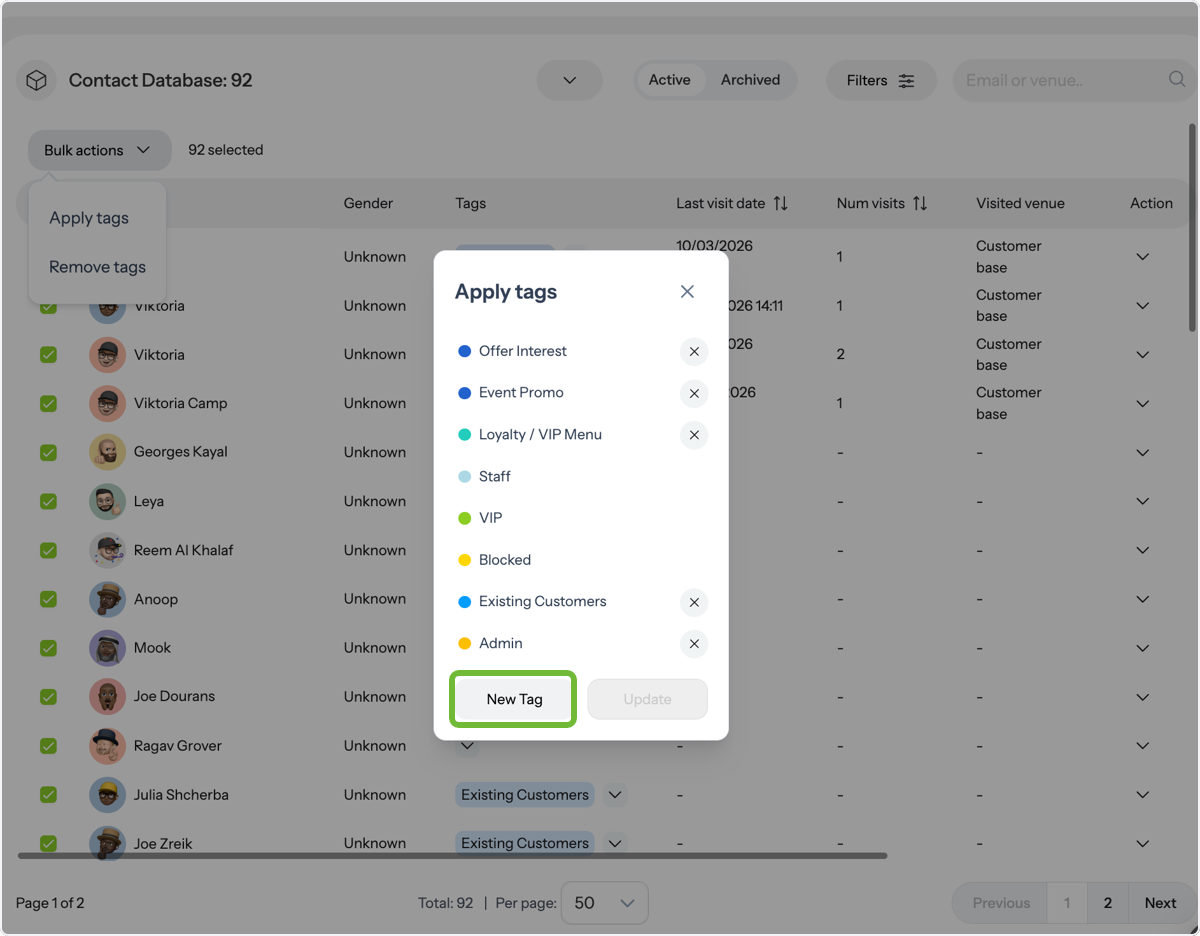
Apply and Update
Select your desired tag and click Update to apply changes.
Profi tipp: The VIP tag overrides all browsing restrictions, use it strategically for priority guests.