Created
May 5, 2025
·
7
Steps
How to use TAGs in Contact Profiles in Affinect
Affinect
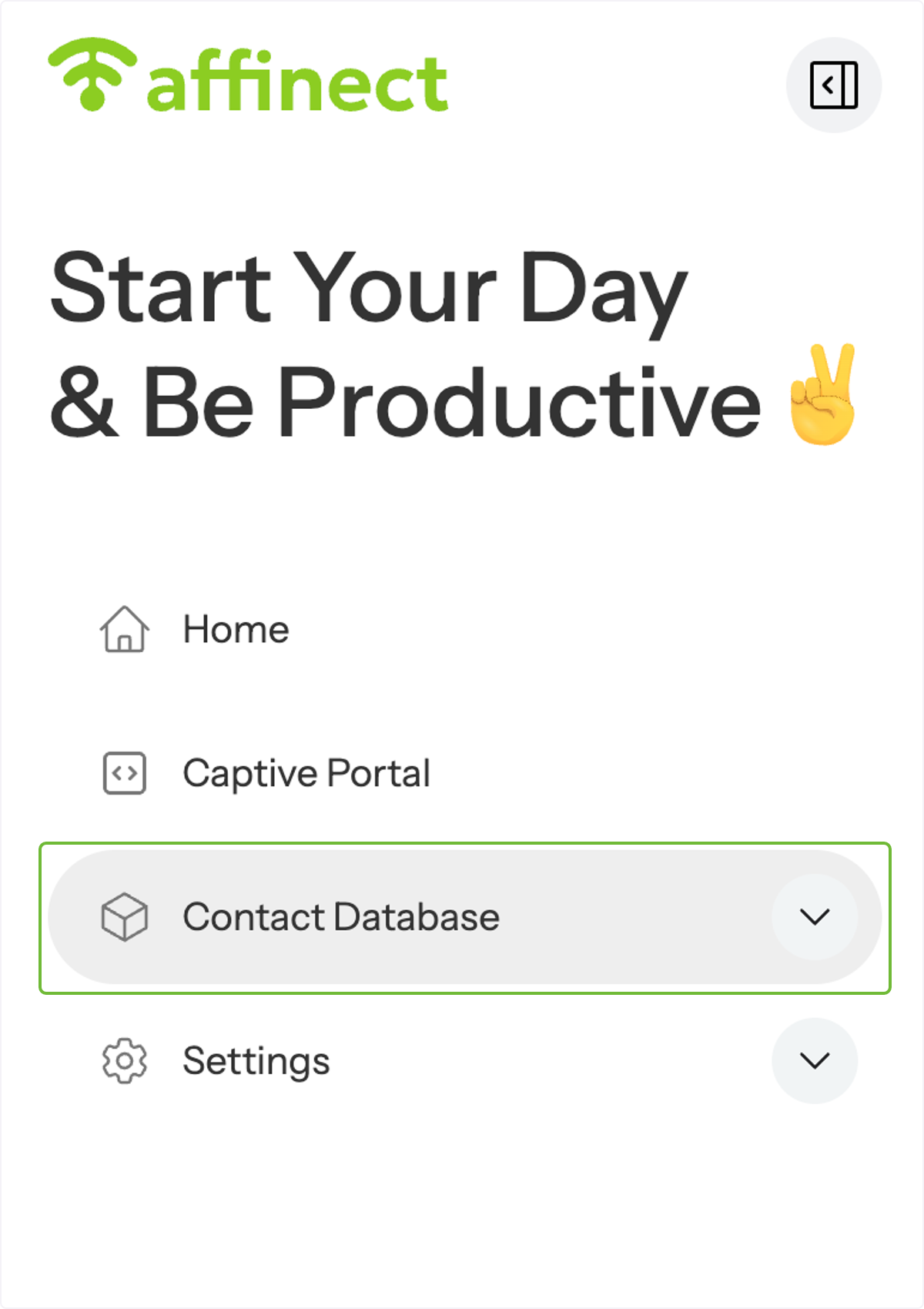
Click on Contact Database on the left-hand side of the dashboard.
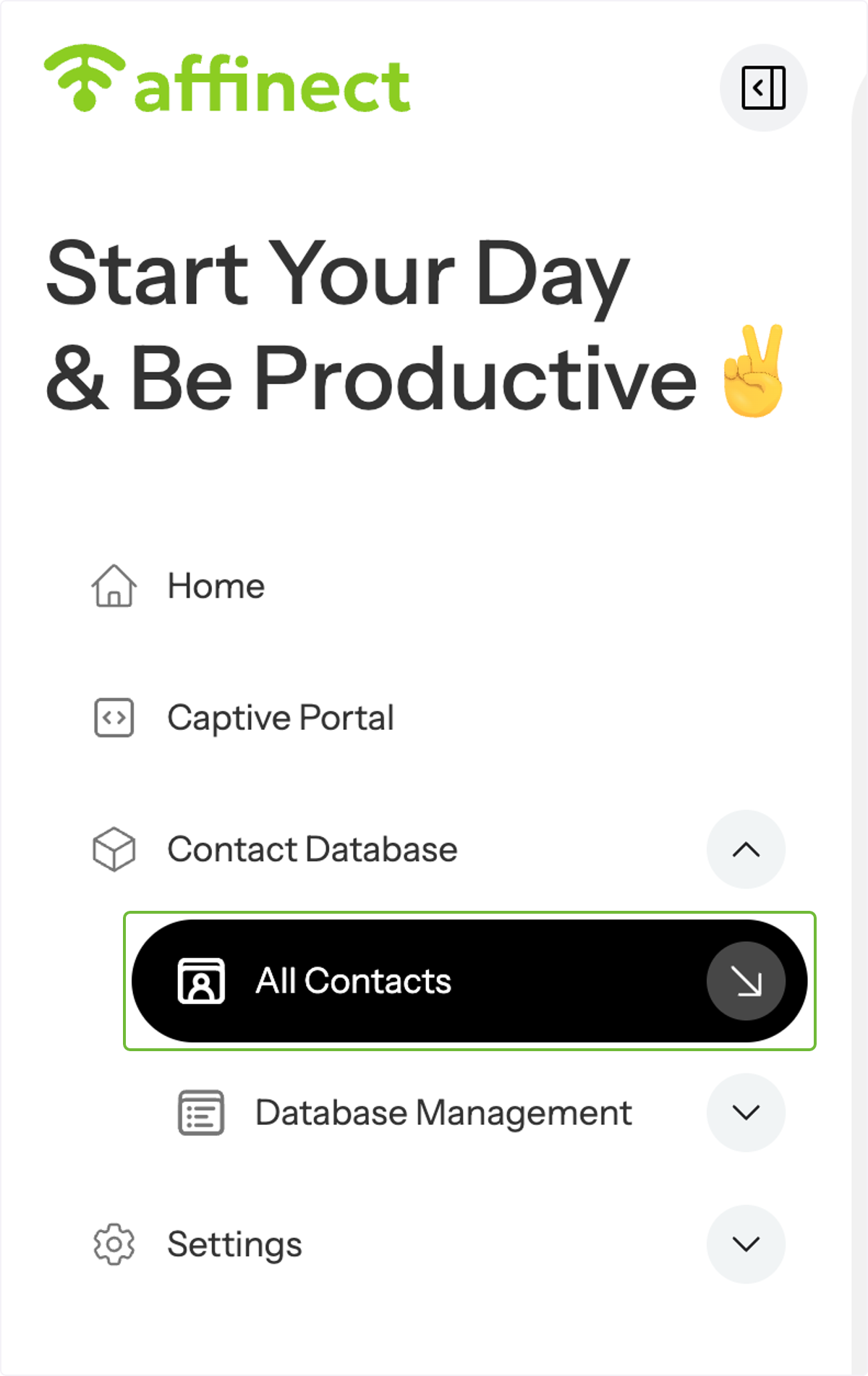
A drop-down menu will appear. Click on 'All Contacts'.
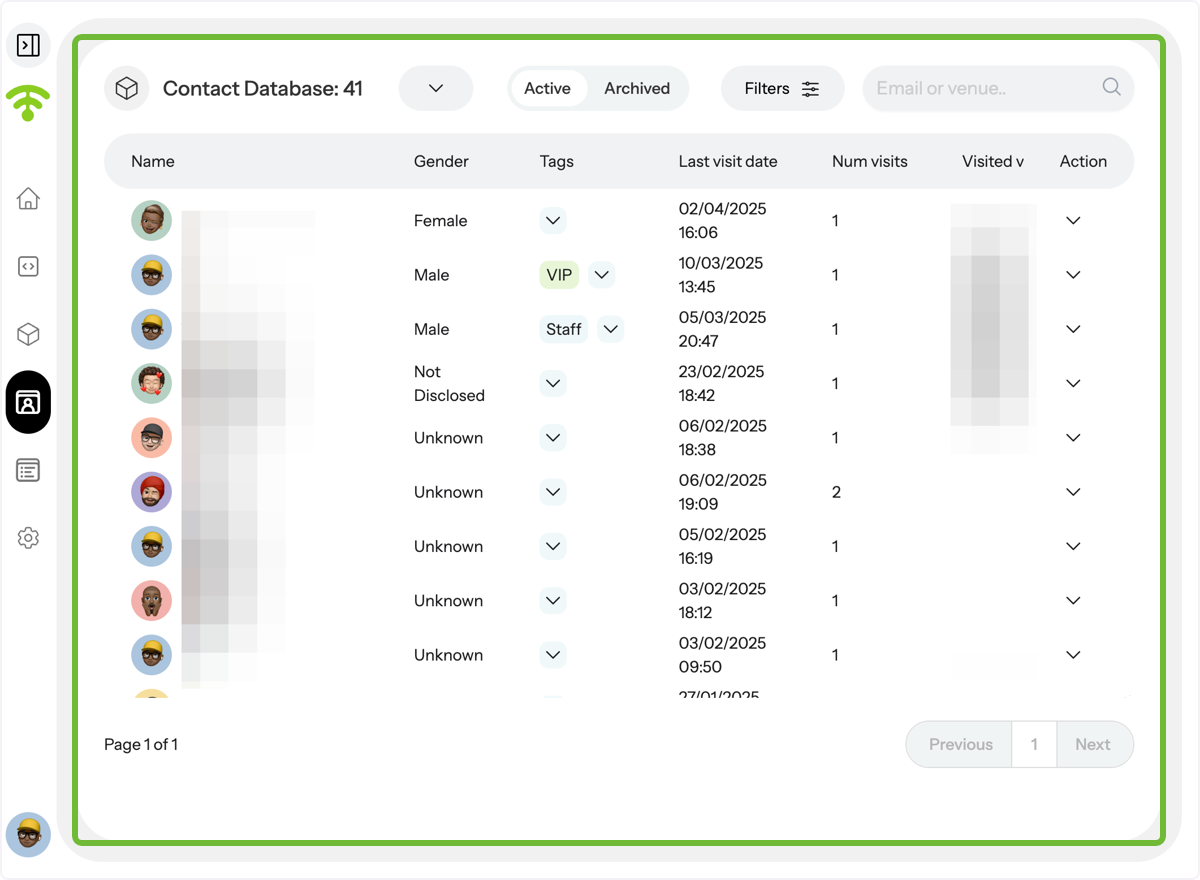
A detailed view of your guests' profiles will appear.
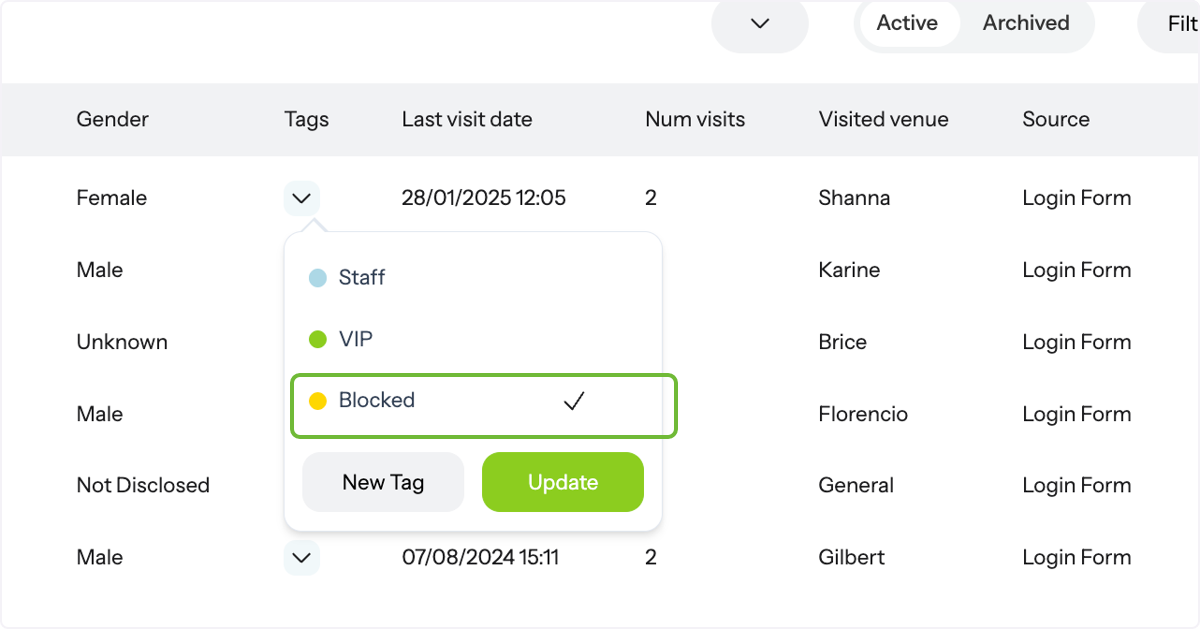
Click on the tags drop-down menu next to the contact profile.
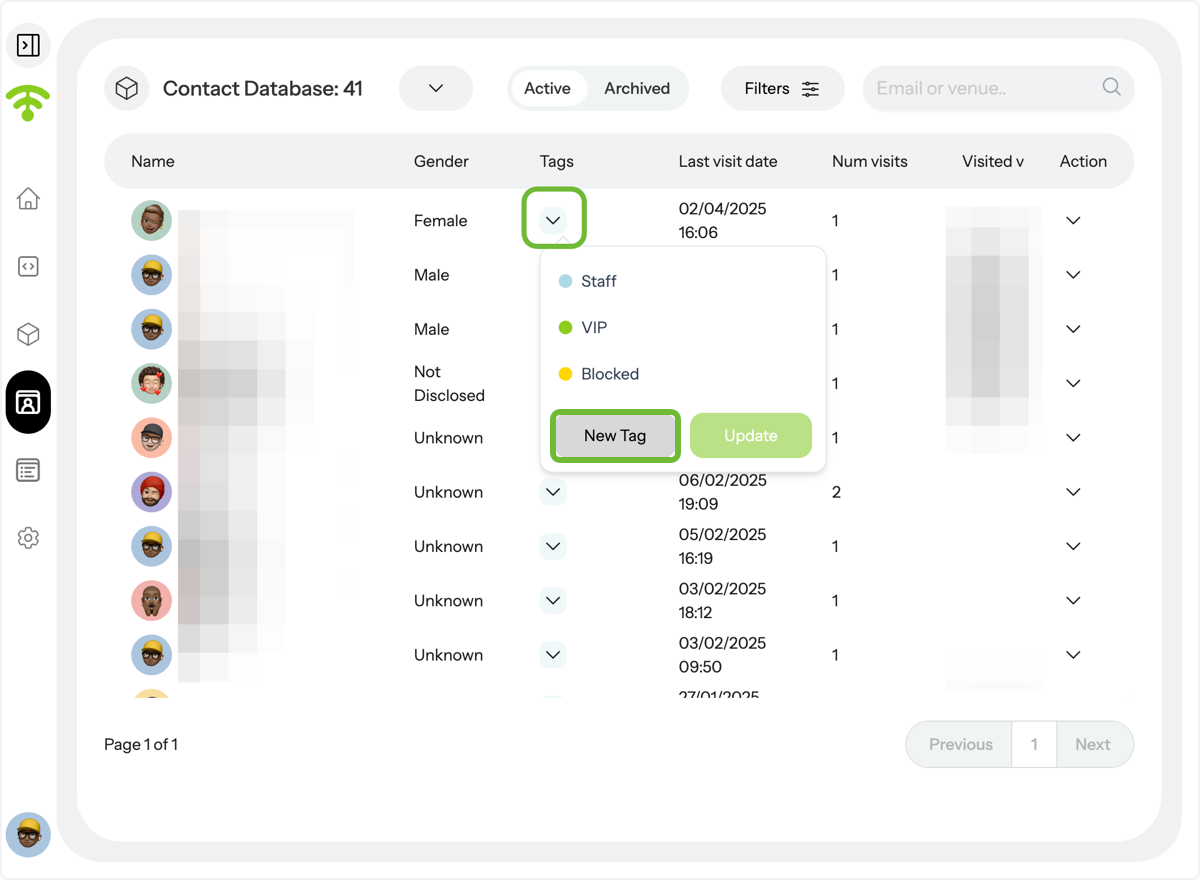
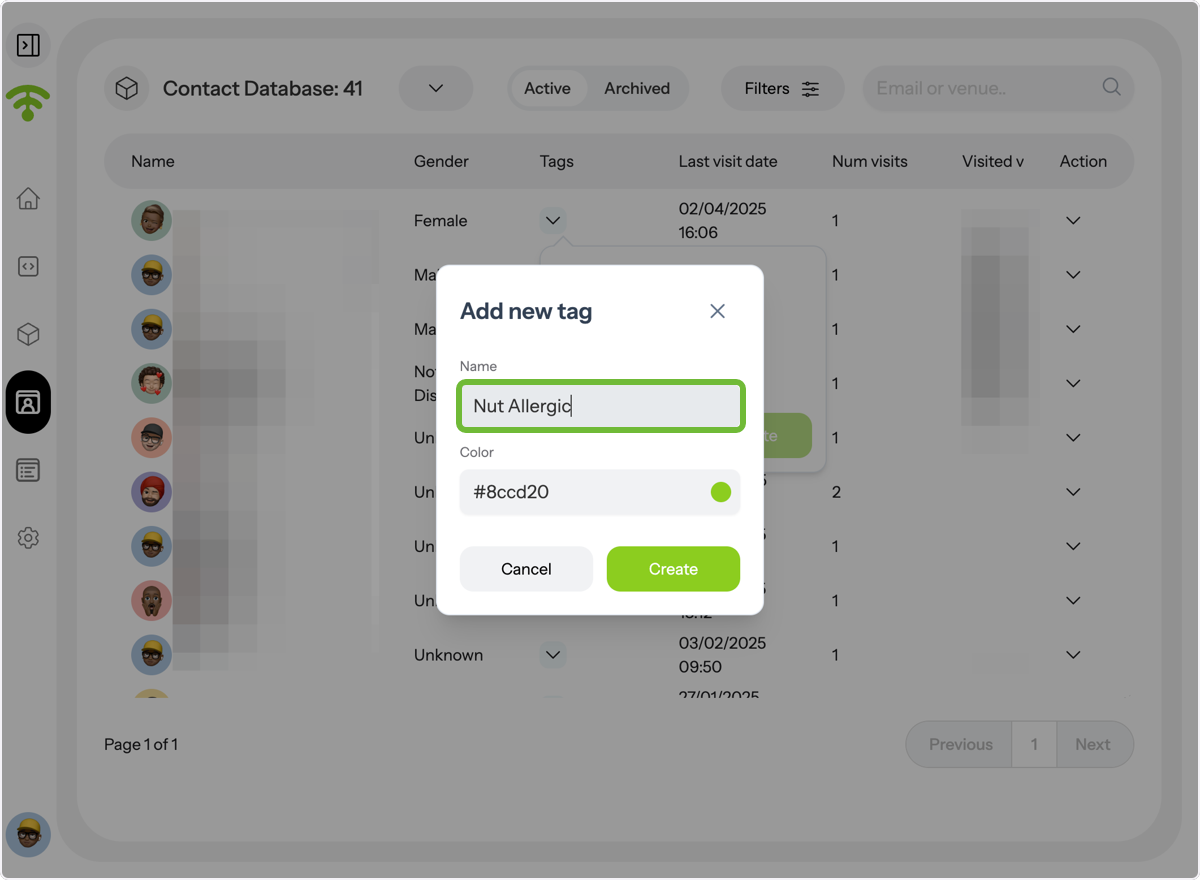
You can also add new tags as needed, such as 'Nut Allergic,' and choose a color for each tag to easily identify and manage guest preferences.
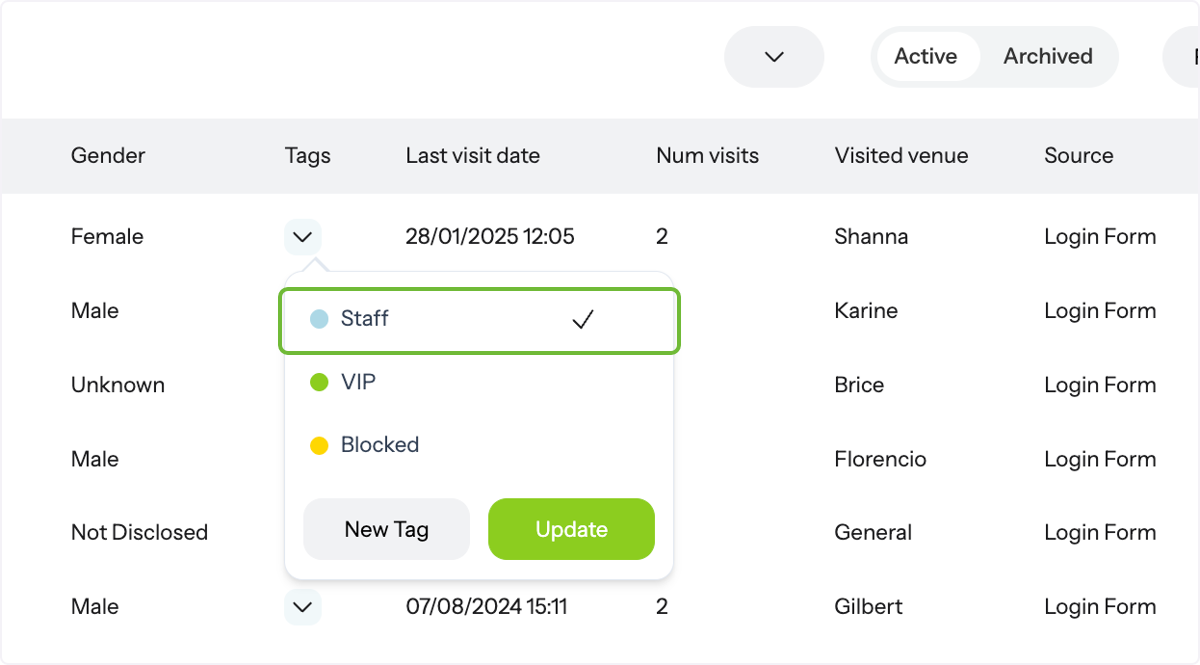
Staff tagging
You'll see existing tags such as 'Staff' (employees at the venue). Once you tag someone as staff, their information will not be included in analytics (from the first visit), and they will be excluded from all campaigns by default.
Blocked access tag use
'Blocked' (guests restricted from Wi-Fi access and removed from analytics and campaigns by default).